
ATIA 2027 Pre-Conference Seminars
Thursday, January 21 from 8 am – 4 pm and Friday, January 22 from 8 am – 12 pm
Kick off your ATIA 2027 learning with a Pre-Conference Seminar! These timely and in-depth seminars about critical assistive technology topics will help you put your personal and professional development journey on the right path forward.
Get the latest best practices and resources needed to successfully implement assistive technology in a variety of settings—including school, work, and at home—led by internationally recognized leaders in the field. An expanded program of 17 add-on courses to choose from!
Pre-Conference Seminars are in-person only and require course registration.
Register for ATIA 2027
Seminar Information
1.5-day Seminars
Thursday, January 21 – Friday, January 22
Designing and Delivering Empowering Experiences to Teach Language Using AAC Christopher Bugaj and Rachel Madel
This interactive session gives educators, families, and support teams a practical plan for selecting systems, designing instruction, and building a culture where AAC is modeled and used all day, across routines and environments. Participants will explore new aspects of core vocabulary consideration, aided language stimulation, least-to-most prompting, morphological instruction, phrasal verbs, consistent symbol location, and coaching structures that strengthen communication partners in person or virtually. Through engaging examples and introduction of free or low-cost tools, participants leave ready to create meaningful practice opportunities, empower learners, and support learning language using AAC whenever, wherever, and with whomever..
Learning Objectives:
- Describe five contemporary resources to teach vocabulary to those learning language using AAC.
- Describe one contemporary, evidence-based strategy used to teach those learning language using AAC.
- Identify one way to practice coaching communication partners of those learning language using AAC.
Featured Speakers:
 Chris Bugaj Chris BugajLoudon County Public Schools |
 Rachel Madel Rachel MadelRachel Madel Consulting Inc. |
AT Bootcamp! Understanding Assistive Technology Services & AT Functions Kelly Fonner, Brian Wojcik, Mike Marotta, and Mike Cole
Are you new to Assistive Technology (AT)? Join us for this pre-conference designed to jumpstart your journey. This engaging session provides an introduction to service delivery, including essential processes like consideration, assessment, implementation, and follow-along support. Participants will dive into these foundational principles by exploring the relationship between human functions and the application of feature matching of AT tools to meet the unique needs of individuals with disabilities. Whether you are an educator, service provider, vendor, or curious about AT, this session will equip you to begin making a meaningful impact. Start your ATIA experience with AT Bootcamp!
Learning Objectives:
- Identify a minimum of three processes that have potential to create effective assistive technology assessment practices common to multiple settings.
- Describe features of at least 10 assistive technology tools that could meet the needs of individuals with disabilities.
- Recommend at least two strategies for building personal learning networks through information resources and interpersonal connections.
Featured Speakers:
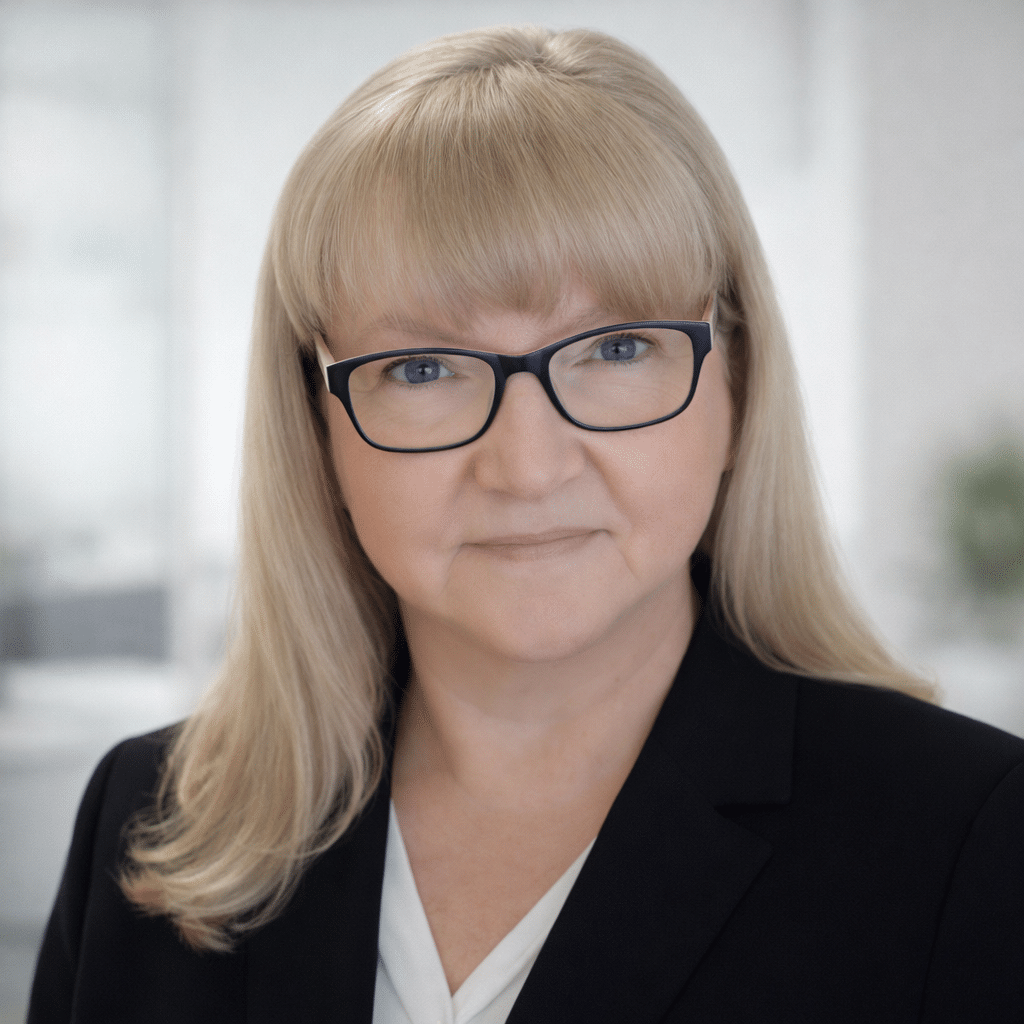
Kelly Fonner |

Brian Wojcik |
|
Mike Cole |
|

 Mike Marotta
AT Making Marathon! 1.5 Days Making 22 AT Devices to Take Home Therese Willkomm
UPDATE to AT Making Marathon! 1.5 Days Making 22 AT Devices to take Home:
During this 1.5 day “Hands-on” A.T. Making Marathon” participants will fabricate 22 assistive technology (A.T.) devices to take home. All “A.T. maker” materials will be provided at no additional cost. Participants will use 25 different tools and materials that embrace the “AT Maker “…ABLE” Principles” to increase the number of A.T. devices that can quickly be made and modified on the fly, while also saving time and money. The “…ABLE” principles” are based on 67 words that end in “…ABLE” for selecting fabrication materials that are affordABLE, adjustABLE, portABLE, reusABLE, durABLE, removeABLE, remold-ABLE, and more. Devices made will include: adapted toys; mounting solutions for wheelchairs, walkers, canes, tables, beds; solutions for eating, drinking, reading, writing, carrying, holding and solutions for vision, hearing, cognitive, physical, and communication impairments to achieve success at home, in the community, school and workplace for all ages and all abilities.
Due to the amount of materials that will be used, this workshop is limited to a max of 30 participants.
Learning Objectives:
- Describe at least five different specialty tapes that can be used for making, mounting and modifying hundreds of AT devices.
- Identify at least five different plastics for making hundreds of different AT solutions.
- Make 22 AT solutions using 25 different tools and materials.
Featured Speaker:

Therese Willkomm |
|
1-day Seminars
Thursday, January 21
Exploring the Cognitive Load and Motor Load of Teaching and Using AAC Karen Kangas
Today’s workshop will focus on the underlying characteristics of cognitive and motor development, especially what has become critical analysis of the teaching needed to support independent AAC use. Cognitive load, motor memory, including cognitive mapping, senses maturation, and sensory processing experience will be examined as to their impact on the child’s ability to manage an AAC system. This analysis will also direct the teaching and support of the adults within the child’s environment as well as focus on the learning that the adult must acquire as well. This workshop will particularly focus on students with the most complex bodies.
Learning Objectives:
- Identify two causes of “Cognitive Overload” and the recommended methods to manage them.
- Describe two characteristics of cognitive load and motor memory in the teaching of AAC independence.
- Describe two characteristics of cognitive mapping as it affects learning AAC.
Featured Speaker:
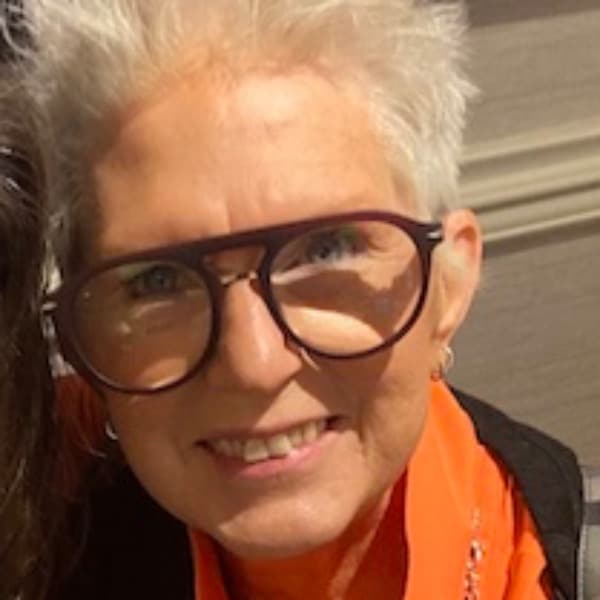
Karen Kangas |
|
Teaching Auditory Scanning and Switch Access for Complex Physical Needs Linda Burkhart
How can learners with complex physical and visual challenges, including CVI, develop meaningful communication when direct access is not possible? This full-day workshop focuses on teaching movements for partner-assisted auditory scanning and two-switch step scanning for learners who depend on auditory or auditory-plus-visual access. Participants will explore practical strategies to teach sustainable, intelligible movements, reduce cognitive and verbal overload, and develop switch access through the Stepping Stones to Switch Access framework (Burkhart). Partner-assisted scanning and switch access are presented as complementary pathways toward greater communication, learning, participation, and independence.
Learning Objectives:
- Describe at least three factors that impact communication and learning for individuals with complex physical and visual challenges, including CVI, who rely on auditory or auditory-plus-visual scanning.
- Explain at least two considerations for teaching intentional movements that support reliable partner-assisted auditory and auditory-plus-visual scanning, including development of clear accept/reject signals for long-term communication access, intelligibility, and orthopedic integrity.
- Discuss at least two components of the Stepping Stones to Switch Access framework (Burkhart) for progressing from early cause-and-effect experiences to single-switch and two-switch step scanning.
Featured Speaker:
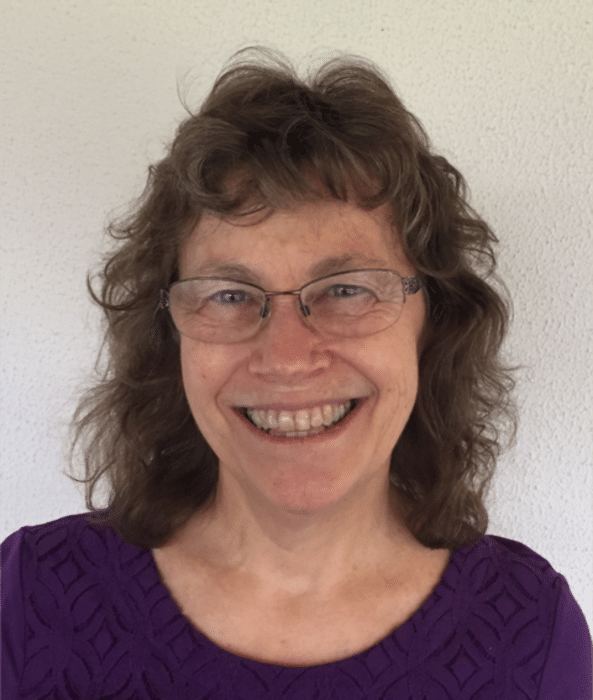
Linda Burkhart |
|
You Can Design and 3D Print Assistive Technology Today! Alanna Raffel, Kailey Medlock, Laura Slotkoff, William Janes
Learn how to brainstorm, prototype, and create custom assistive technology using web-based CAD tools and hands-on activities. No prior experience is required. This updated workshop includes guided practice and personalized support to help participants build confidence with 3D design and printing. Explore principles of inclusive design, discover how to find and adapt existing models, and develop your own functional prototype. Participants will leave with new skills, practical resources, and the confidence to continue creating. Ideal for novice makers, educators, students, clinicians, caregivers, and anyone interested in accessible design and innovation. Bring a laptop (not a tablet/iPad) and mouse for full participation.
Learning Objectives:
- Identify three resources for finding and modifying existing 3D-printable assistive technology designs.
- Describe three steps in the process of turning a digital 3D model into a physical assistive technology device using a 3D printer.
- Develop one prototype of an assistive technology device using low-tech materials and CAD software.
Featured Speakers:
Alanna Raffel |

Laura Slotkoff |
|
William Janes |
|

 Kailey Medlock
Accessible by Design: Providing Digital Materials that Work with AT Cynthia Curry, Rob Carr, Jena Fahlbush, Christopher Phillips, Lyssa Prince
This pre-conference seminar is sponsored by the National Center on Accessible Digital Educational Materials & Instruction (NCADEMI).
This interactive workshop prepares K–12 educators, assistive technology (AT) specialists, and digital learning and other educational leaders to improve the accessibility of digital educational materials and edtech products. Participants will explore how inaccessible digital materials create barriers for students who rely on AT, develop a practical understanding of digital accessibility requirements in schools, and learn strategies for creating and evaluating accessible digital content. The workshop emphasizes actionable implementation practices, including free tools, openly licensed resources, and ongoing technical assistance participants can use to strengthen digital accessibility practices within their states, districts, or schools.
Note: This course has discounted registration of $125 per person. Registration is limited to 20 participants and is available on a first-come basis.
Learning Objectives:
- Describe two differences between proactive accessibility and reactive accommodation approaches to providing digital educational materials for students with disabilities.
- Demonstrate at least six strategies for creating and evaluating accessible digital educational materials and edtech products.
- Develop one outreach or implementation plan for engaging school leaders or colleagues in digital accessibility efforts using workshop resources.
Featured Speakers:

Cynthia Curry |
Jena Fahlbush |
|
Rob Carr |
|
|
Lyssa Prince |

 Christopher Phillips
Building Assistive Technology Capacity: A District-Wide Implementation Guide Kelly Key and Erin Ross
Whether you’re new to assistive technology or have an established program, this session offers valuable insights and practical strategies for district-wide implementation. Learn how to use QIAT Indicators and OSEP guidelines to build capacity and set goals. Discover innovative ways to embed AT into district processes, tips for implementing a UDL framework, explore universal AT tools, create task-demand-driven lesson plans, creative ways to provide professional development, conduct AT consultations, and document AT in IEPs. This engaging session will leave you inspired, equipped with actionable ideas, and ready to implement right away!
Learning Objectives:
- Identify four strategies for providing meaningful professional development on AT tools and implementation to educators and families.
- Construct one action plan for building procedures for assistive technology at the district level.
- Describe three strategies for implementing universal tools district-wide.
Featured Speakers:
 Kelly Key Kelly KeyBarrington 220 |
 Erin Ross Erin RossGlenview School District 34 |
Executive Functioning Across the Lifespan: Strategies and AT Tools Cassie Frost
This full-day workshop will support participants in understanding and addressing executive functioning needs from childhood through adulthood. The session will begin with a practical overview of executive functioning and its impact on daily life across settings. Participants will engage in guided activities, structured discussion, and real-world case examples. The second half of the day will focus on assistive technology, including low- and high-tech tools selected for functional fit. Participants will create make-and-take supports—fidgets, task spinners, strategy cards, and self-monitoring scales—and leave with ready-to-use materials, curated digital resources, and a structured guide organized by executive functioning need.
Learning Objectives:
- Identify three core executive functioning skill areas and describe how changes to environments, routines, or systems can reduce demand on the executive functioning system.
- Compare and contrast two outcomes of strategies that attempt to ‘fix’ executive functioning challenges versus those that ‘work with’ the brain’s natural tendencies, including the emotional and functional implications of each approach.
- Evaluate the features of at least five assistive technology tools for executive functioning support and match those features to the functional needs of individuals across the lifespan.
Featured Speaker:

Cassie Frost |
|
Practitioner’s Handbook: AT for People who are Blind or have Low Vision 10th Ed. Rachael Sessler Trinkowsky, Sarahelizabeth Baguhn, Stacy Kelly, Sean Tikkun
This one-day seminar is for assistive technology specialists and others who provide technology training and support to people who are blind, deafblind, or who have low vision. We previously have explored and curated various topics to meet the unique needs of the field. In this 10th edition, we will take time to look back through the living history and exciting changes over time in our field for AT for people who are blind, deafblind, or who have low vision. We will emphasize the core domains for CATIS Certification through the ACVREP and focus primarily on exploration and emerging technology.
Learning Objectives:
- Identify at least three resources available to learn more about assistive technology training options and emerging technology for people who are blind or who have low vision.
- Discuss at least three methods for maintaining current knowledge and skills in the area of AT for people who are blind or who have low vision.
- Identify at least one method and one resource for incorporating AI into an accessible workflow.
Featured Speakers:
Rachael Sessler Trinkowsky |

Sean Tikkun |
|
Stacy Kelly |
|

 Sarahelizabeth Baguhn
Half Day Seminars
Friday, January 22
Are We Really Watching? New AAC Frameworks You Can Use Monday Morning Lauren Enders Gonzales
Most of us have experienced it: we know a person has more to say, more to share, and more potential for connection than we are currently seeing. Yet many of us were never taught how to recognize the earliest signs that engagement is emerging—or how to help it grow. In this interactive workshop, Lauren Enders Gonzales introduces the 7 Signs of Engagement™ and W.A.T.C.H.™ frameworks, two new tools for understanding, observing, and supporting authentic communication. Participants will leave with practical strategies, a new lens for viewing engagement, and renewed hope for fostering meaningful communication and connection.
Learning Objectives:
- Describe three key mindset shifts that distinguish engagement-focused AAC support from compliance-focused approaches.
- Identify three observable signs of engagement and demonstrate use of the W.A.T.C.H.™ framework to determine one responsive support strategy.
- Develop one implementation plan that includes three specific actions for applying engagement-focused practices within their own setting or role.
Featured Speaker:

Lauren Enders Gonzales |
|
Going Beyond Linguistic to Communicative Competence for Meaningful Inclusion Deann O'Lenick and Lance McLemore
This half-day presentation examines communicative competence for AAC users beyond linguistic skills alone, emphasizing operational, social, and strategic competencies necessary for meaningful participation across home, school, community, medical, recreational, and workplace settings. Participants will explore competency development through real-world contexts, AAC user interview clips, case examples, and interactive activities. Attendees are encouraged to bring an SGD loaded with a core vocabulary application, with temporary app access options explored for those without devices. Learning objectives include developing collaborative goals, identifying intervention strategies, and recognizing naturally occurring opportunities and communication partners who support competency development across environments and life stages.
Learning Objectives:
- Compare operational, linguistic, social, and strategic communicative competencies within two AAC frameworks.
- Justify two appropriate intervention methodologies (e.g., direct, indirect, client-led, hybrid, milieu, incidental teaching) based on setting and competency demands.
- Describe two or more roles of families, educators, peers, employers, and community members in supporting competencies and inclusion.
Featured Speakers:
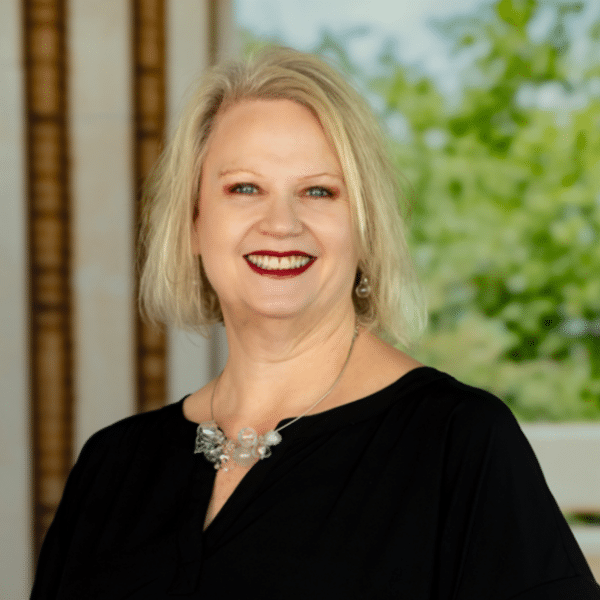
Deann O’Lenick |
Lance McLemore |

Empowering Independence: Utilizing AT Tools for Self-Directed Adult Success Cheryl Farley
In today’s climate, more and more families are moving towards a self-directed adult service model for their adult child once they age out of the public school system. In this session, see firsthand how one family created and implemented the self-directed programming model using technology supports. You will learn what a self-directed program is, how to use assistive technology to create robust person-centered plans, and see examples of using mainstream and assistive technologies to achieve the goals and objectives of the ISP.
Learning Objectives:
- Define what a self direction program is and describe the three pillars of transition planning.
- Identify at least two person-centered planning models and how to implement technology supports to complete them.
- Identify at least three assistive and/or mainstream technology recommendations related to vocational and/or independent living skills goals.
Featured Speaker:
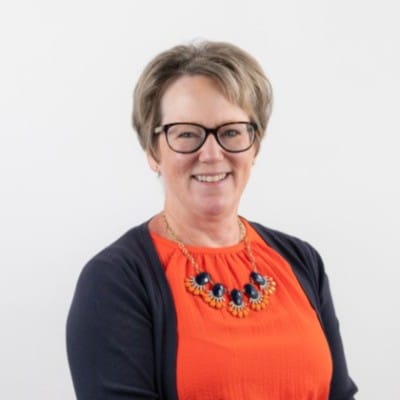
Cheryl Farley |
|
Adaptive Gaming Masterclass: Hands-On Implementation of Adaptive Gaming Drew Redepenning, Seong-Hee Westlake, Sarah Sanderman, Kevin Berner, Mitch Bell, Kirk Skye, Cole Nelson, Isaiah Wills, Randy Huzinec, Sue Redepenning
The field of adaptive gaming is rapidly evolving, driven by innovations in adaptive controllers, hardware modifications, console accessibility features, and increased attention to accessibility within game design. As more adaptive gaming solutions become available, individuals with disabilities are increasingly seeking professional support to identify and configure adaptive gaming equipment that meets their functional needs. However, many clinicians, assistive technology professionals, and community-based providers receive limited formal training in video gaming technology or adaptive gaming service delivery. This workshop will focus on practical, hands-on education that prepares providers to assess gaming access needs, recommend appropriate equipment, and support successful implementation.
Learning Objectives:
- Demonstrate basic setup and configuration of at least seven different adaptive gaming controllers.
- Apply at least five console-level and in-game accessibility settings to support adaptive gaming access.
- Identify at least 10 different adaptive gaming solutions for individuals with physical disabilities.
Featured Speakers:

Drew Redepenning |
Mitch Bell |
|
Sue Redepenning |
Sarah Sanderman |
|
Kevin Berner |
Randy Huzinec |
|
Cole Nelson |
Kirk Skye |
|
Isaiah Wills |
Seong-Hee Westlake |


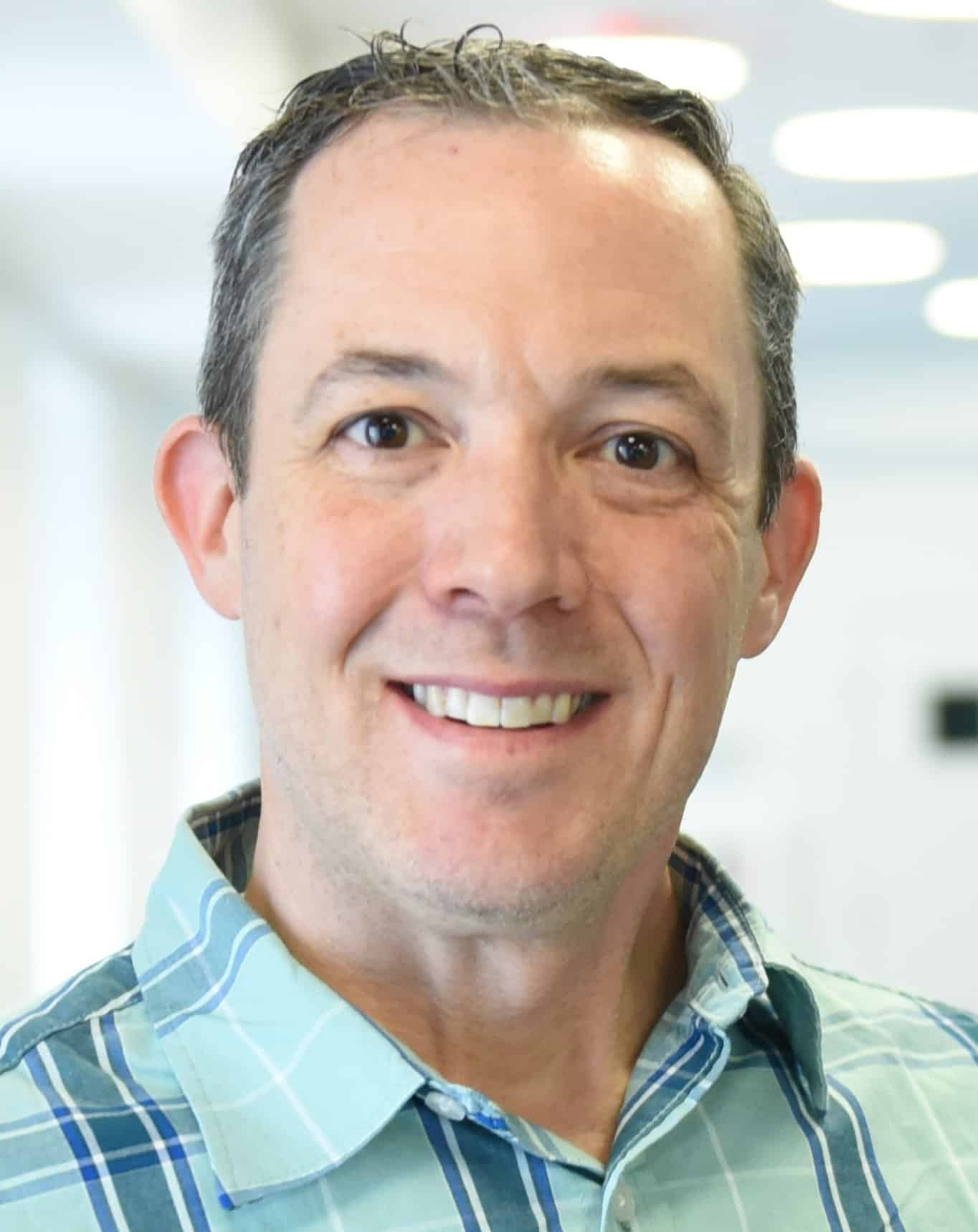




Building System Capacity: A QIAT-Aligned Approach to AT Professional Learning Shannon Paige, Stacy Springer, Joan Breslin, Matthew Newton, Sayard Bass, Kristin Blain
Schools are inundated with professional development opportunities, but how do you know whether they support long-term goals or simply reflect the latest trend? This interactive half-day preconference explores the QIAT Professional Development Indicators as a framework for building sustainable assistive technology (AT) professional learning systems. Participants will examine current practices, complete a QIAT self-assessment, and explore research on effective professional learning, adult learning principles, and implementation science. Strategies for maximizing limited professional development time including coaching, communities of practice, microlearning, and embedded supports will be shared. Attendees will leave with practical tools, resources, and a QIAT-aligned action plan.
Learning Objectives:
- Identify three challenges with vendor driven professional learning.
- Identify two resources for professional development available on demand.
- Discuss three ideas to support system change through professional learning.
Featured Speakers:
Shannon Paige |
Stacy Springer |
|
Joan Breslin |
Matthew Newton |
|
Sayard Bass |
Kristin Blain |

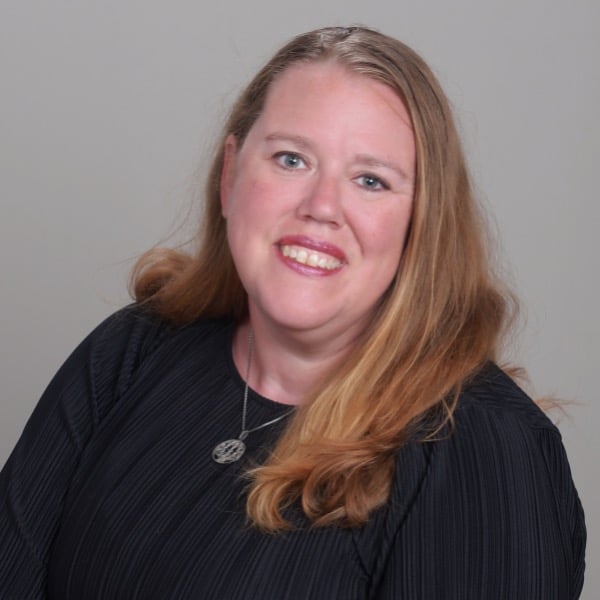

Make-and-Take Low-Tech AT for Autism: Classroom Tools You Can Use Tomorrow Sarah Smith
This interactive, hands-on workshop focuses on assistive technology (AT) for learning through the creation of low-tech classroom supports that increase access to instruction, engagement, participation, and independence for autistic learners. Participants build practical tools they can immediately use in classroom routines. Rather than lecture-based instruction, participants actively build and customize supports for real instructional settings. Participants build a variety of tools designed to reduce barriers to learning and support independence. By the end of the workshop, participants leave with completed supports ready for immediate classroom use across educational settings.
Learning Objectives:
- Develop five or more low-tech assistive technology supports that increase student access to instruction and participation in classroom routines
- Demonstrate one or more ways to adapt visual and task-based supports for students across different grade levels and learning needs.
- Apply one or more strategies for using low-tech supports within daily classroom routines to increase student independence.
Featured Speaker:
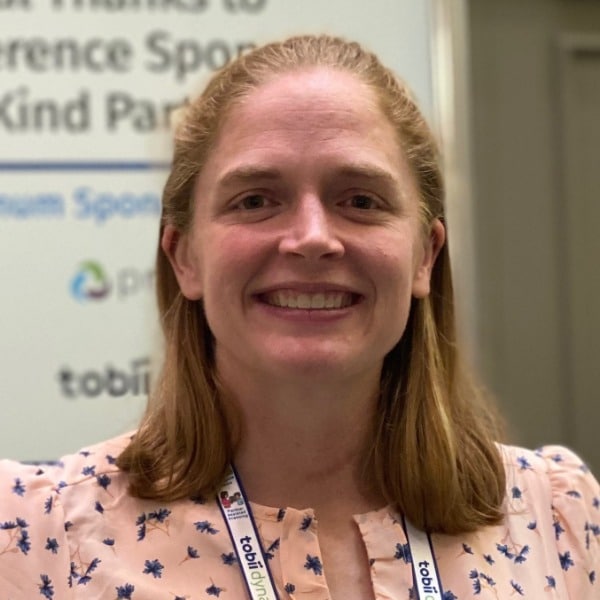
Sarah Smith |
|
Learning Braille Through Play with LEGO® Braille Bricks Jennifer Govender and Heather Bridgman
This interactive workshop explores how play can be a powerful pathway to braille literacy for children who are blind or visually impaired. Grounded in the LEGO Foundation’s Learning Through Play approach, the session challenges traditional views of play and highlights its role in developing cognitive, social, and emotional skills. Participants explore LEGO Braille Bricks, a hands-on tool supporting pre-braille and braille learning through engaging, tactile experiences. Through guided activities and collaborative challenges, attendees experience hands-on learning that fosters creativity, problem-solving, and inclusion, while gaining practical strategies to build tactile awareness, fine motor skills, and early literacy concepts in practice today.
Learning Objectives:
- Identify three or more of the contents of a LEGO Braille Bricks Kits.
- Describe the five characteristics of playful experiences that the LEGO Braille Bricks learning activities are based on.
- Describe three LEGO® Braille Brick activity resources for use with pre-braille and braille users.
Featured Speakers:

Jennifer Govender |
Heather Bridgman |
Registration Information
- 1.5-Day Pre-Conference Seminar: $450.00
- 1-Day Pre-Conference Seminar: $350.00
- Half Day Pre-Conference Seminar: $200.00
Please visit Hotel and Lodging for information on reduced rates for Wednesday and Thursday at the Orlando World Center Marriott. Book soon as hotel rooms are limited on these evenings! There is no off-site hotel for Pre-Conference Seminar attendees this year.